
Give your app store page a glaze
Design glossy screenshots for the App Store and Google Play, then turn them into 3D promo videos. In your browser, free, no sign-up.
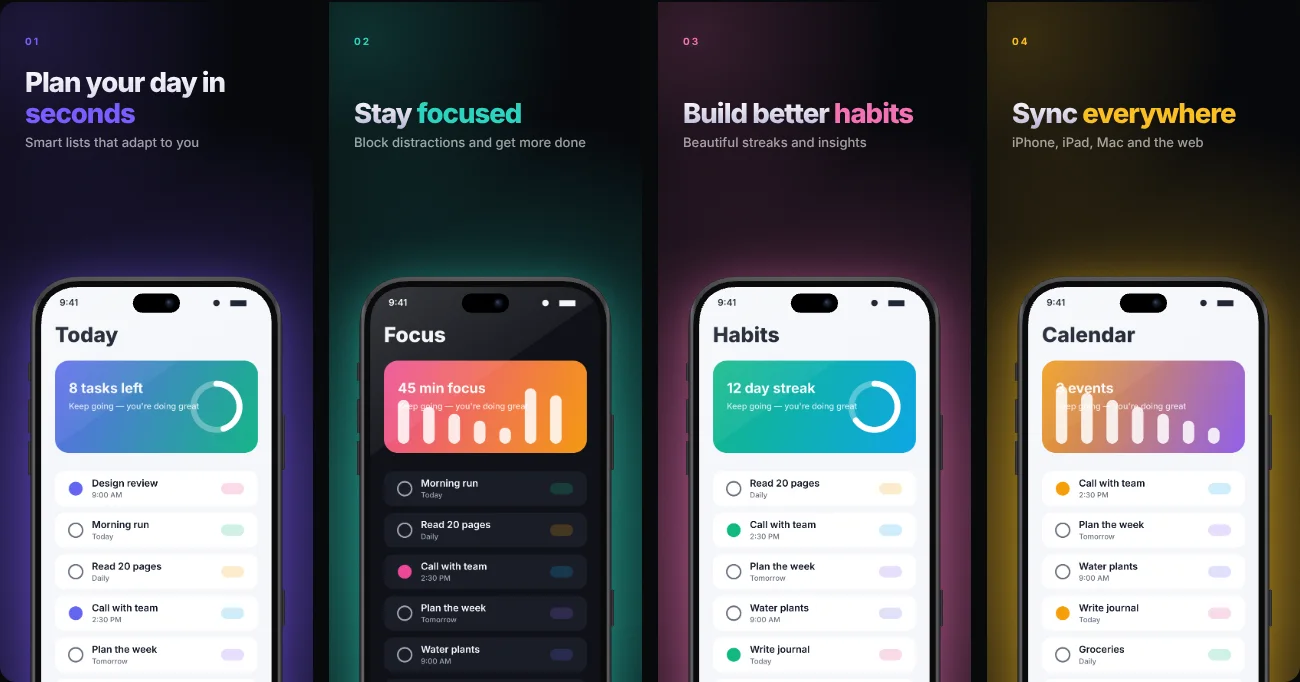
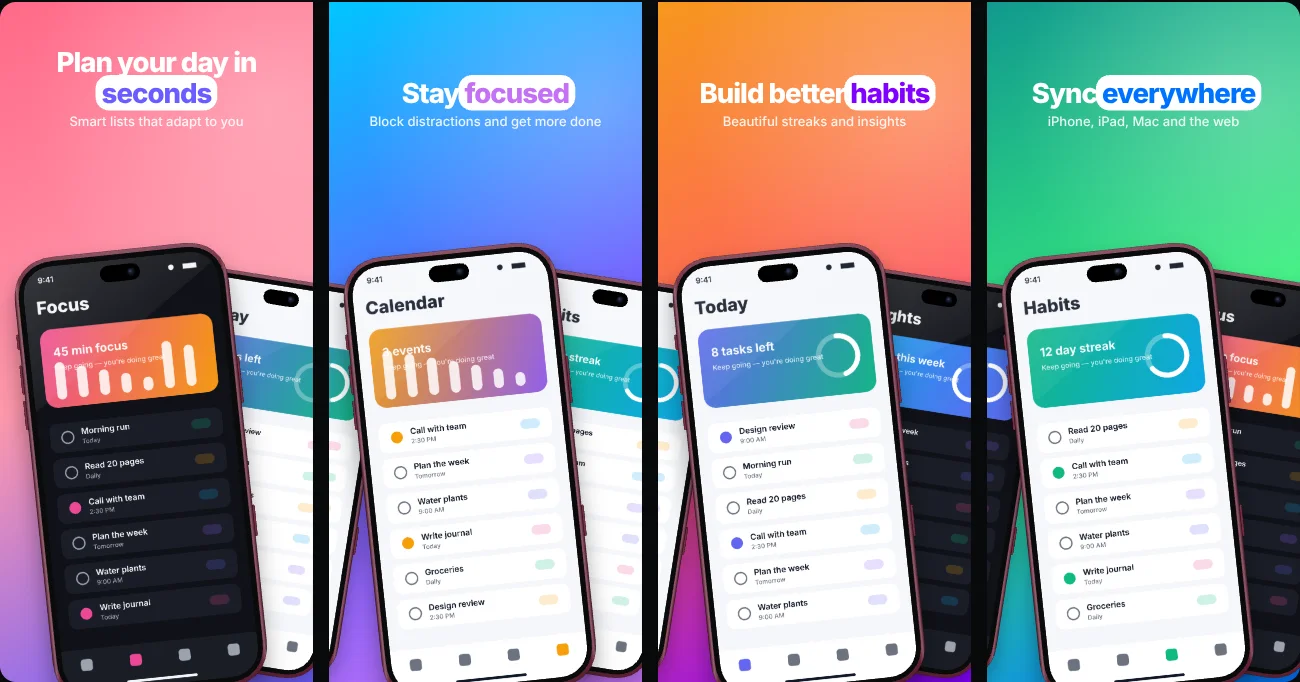
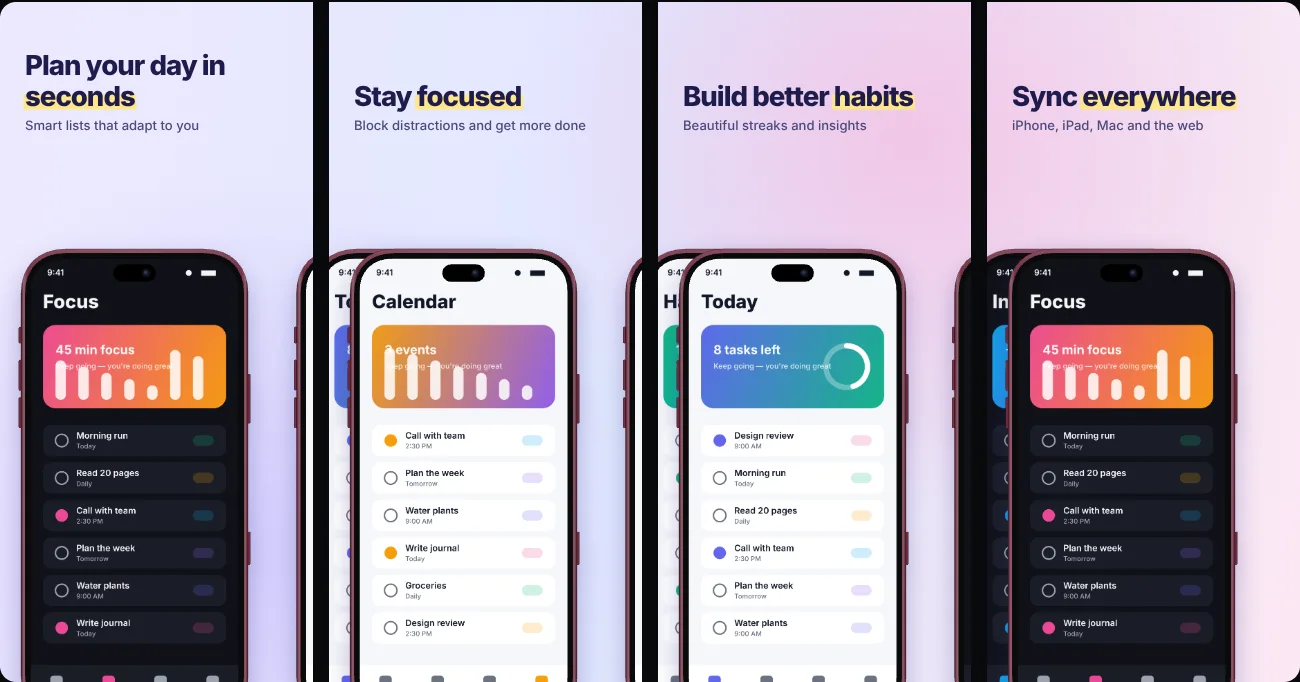
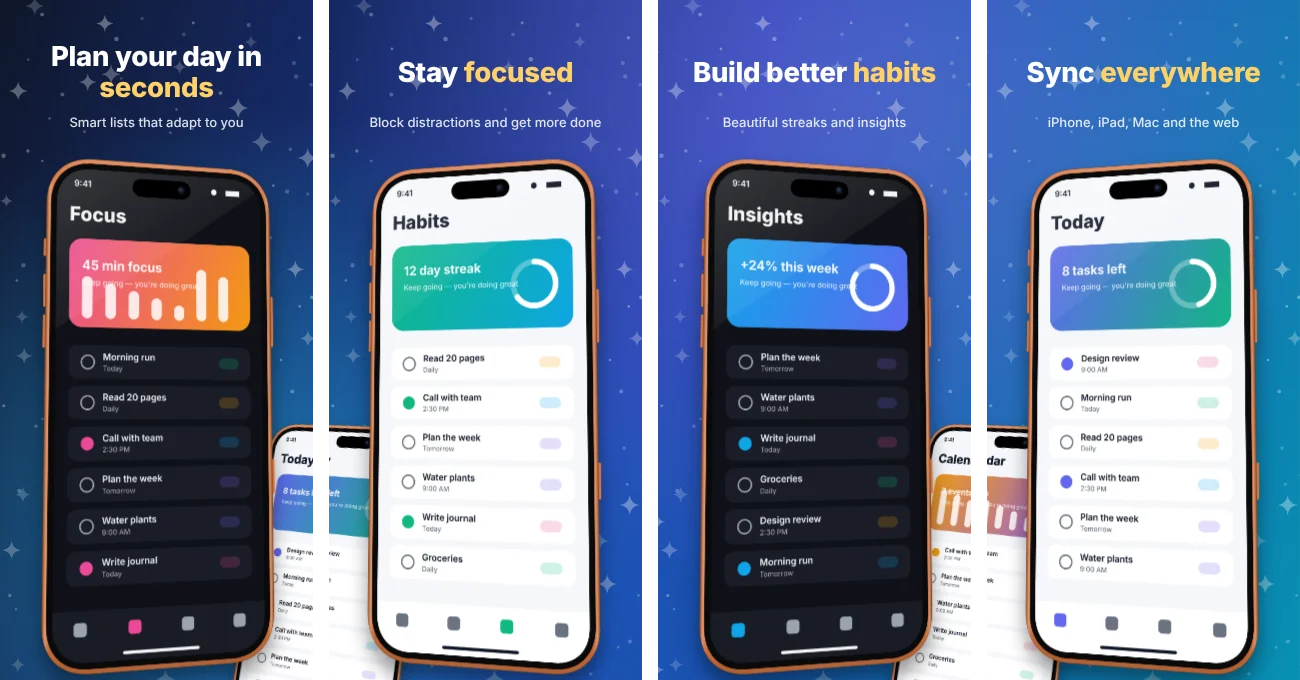
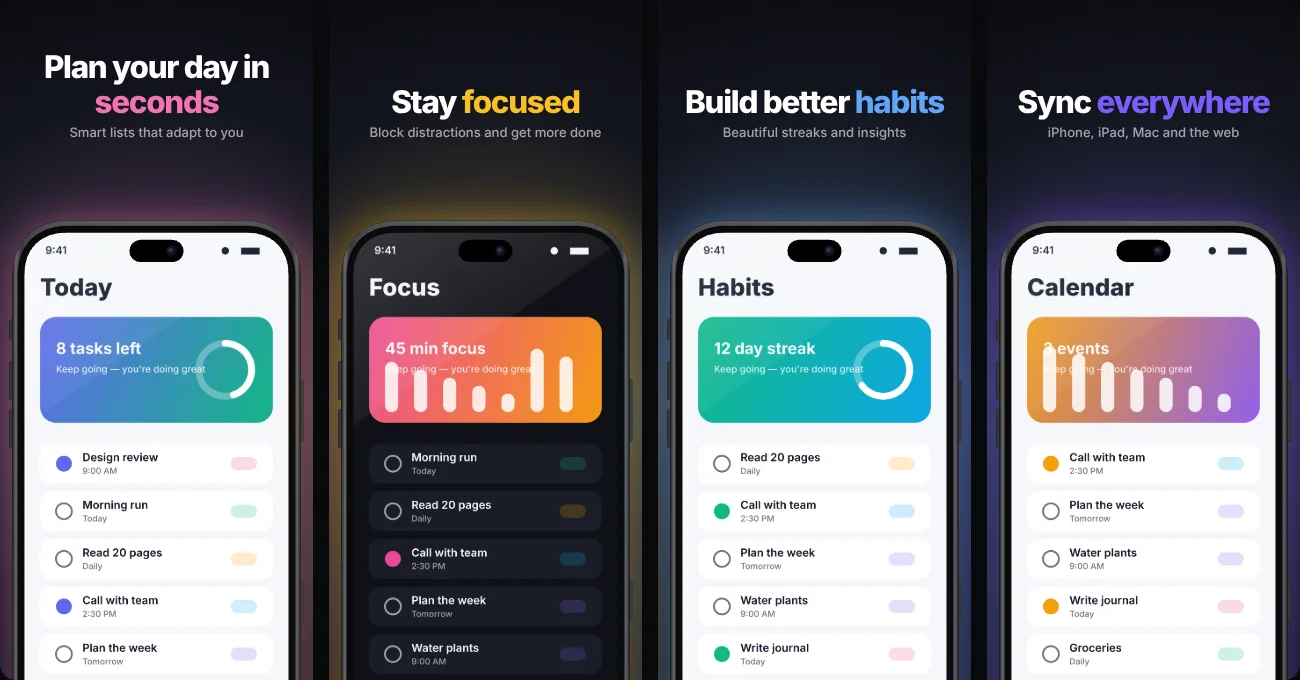
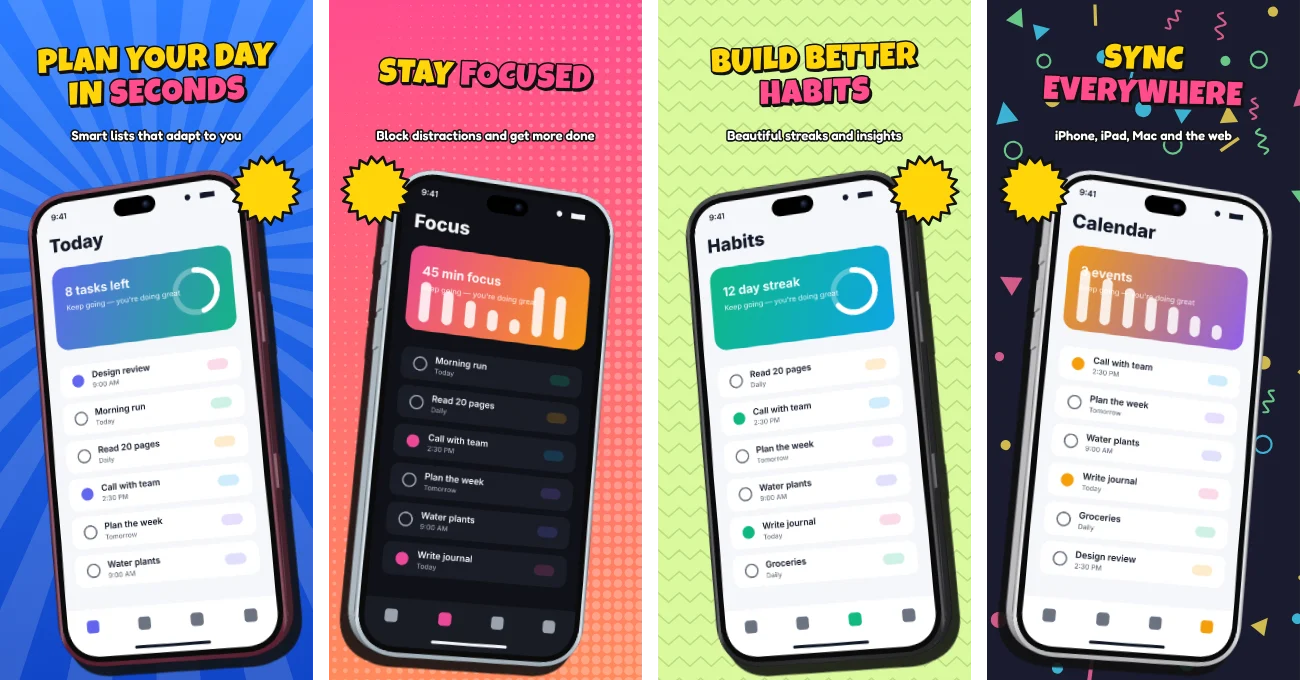
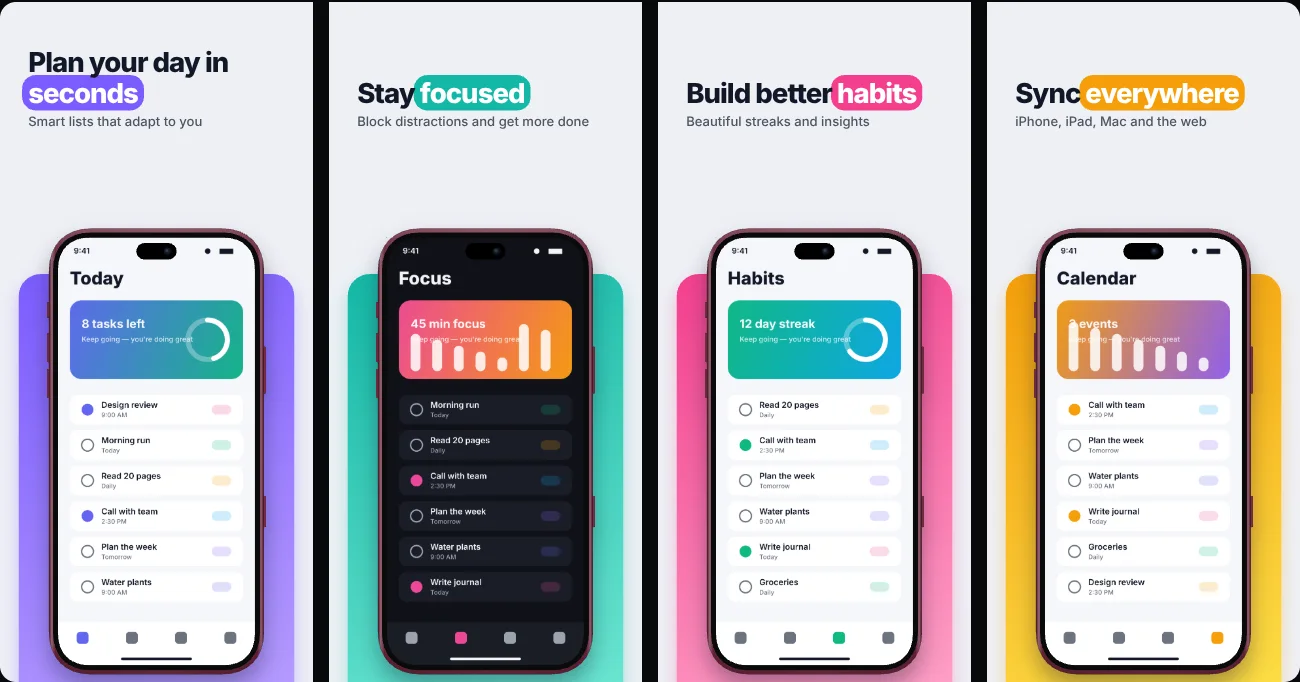
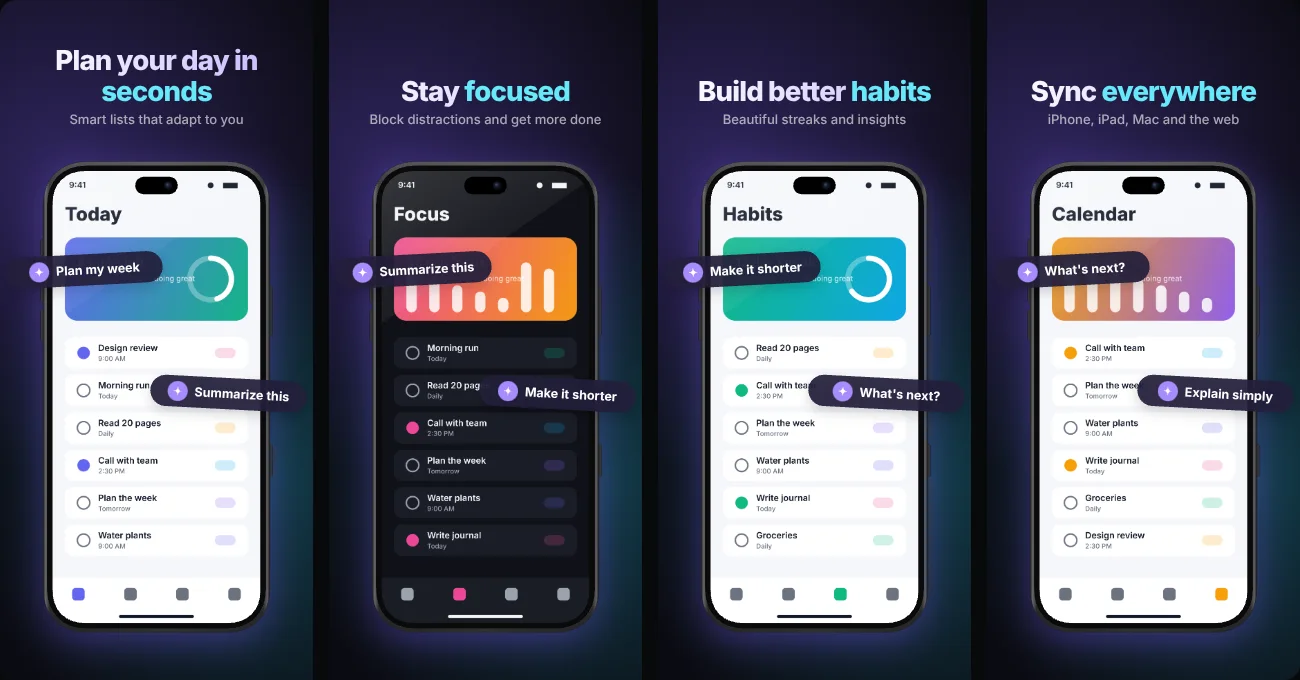
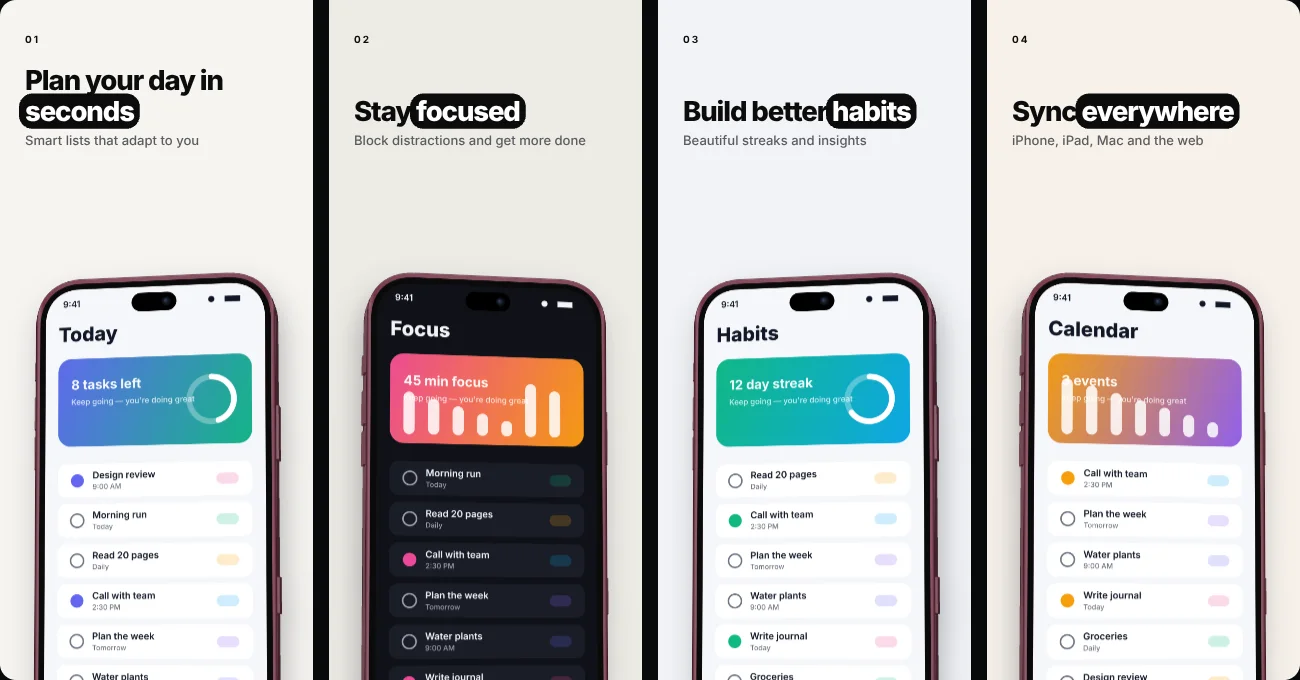
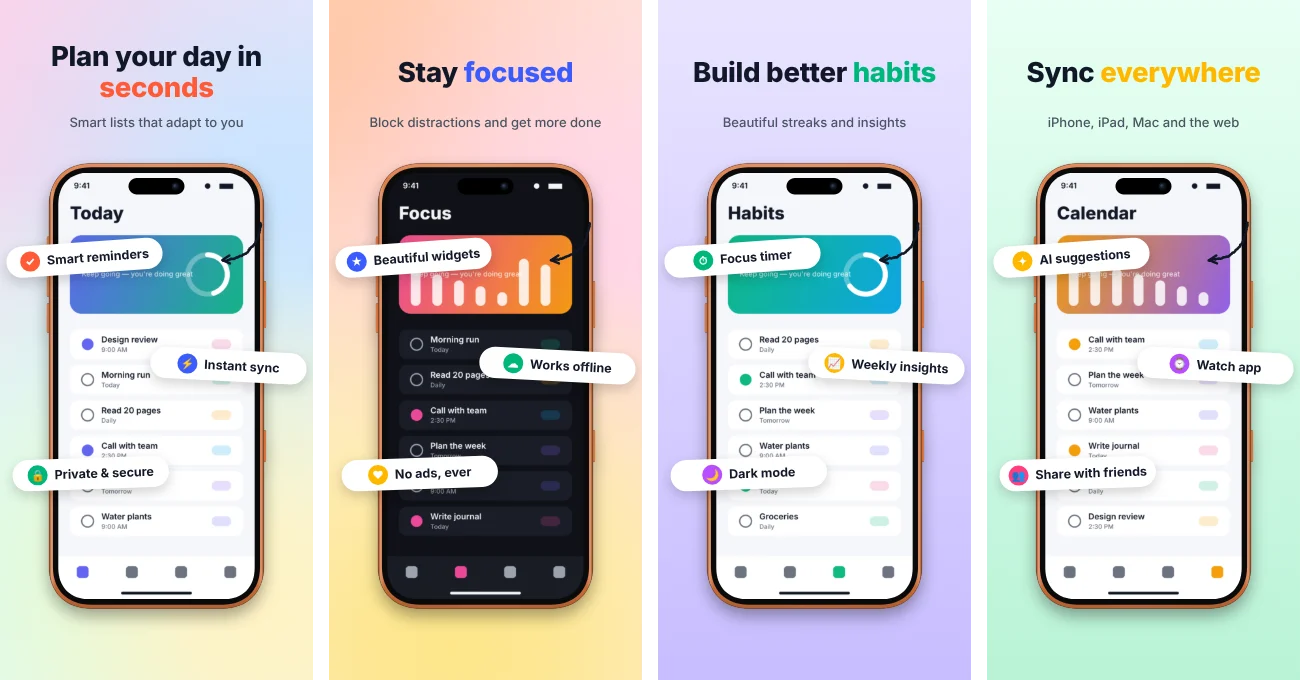
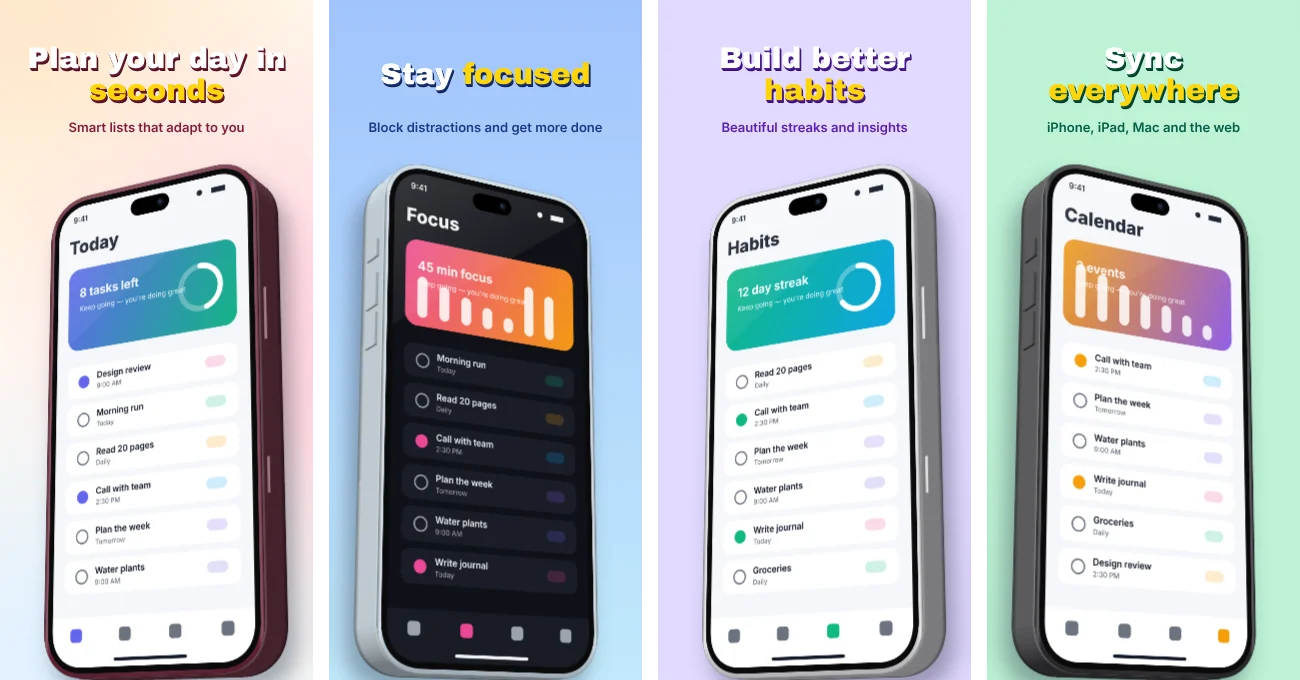
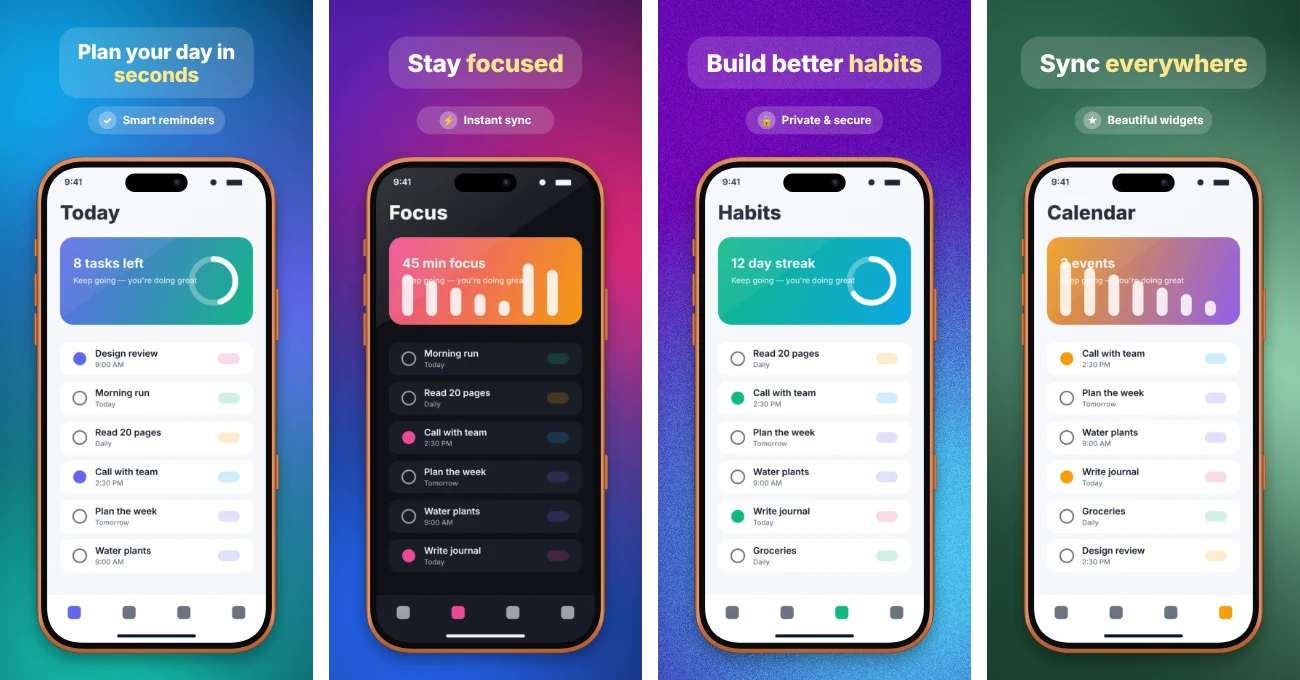
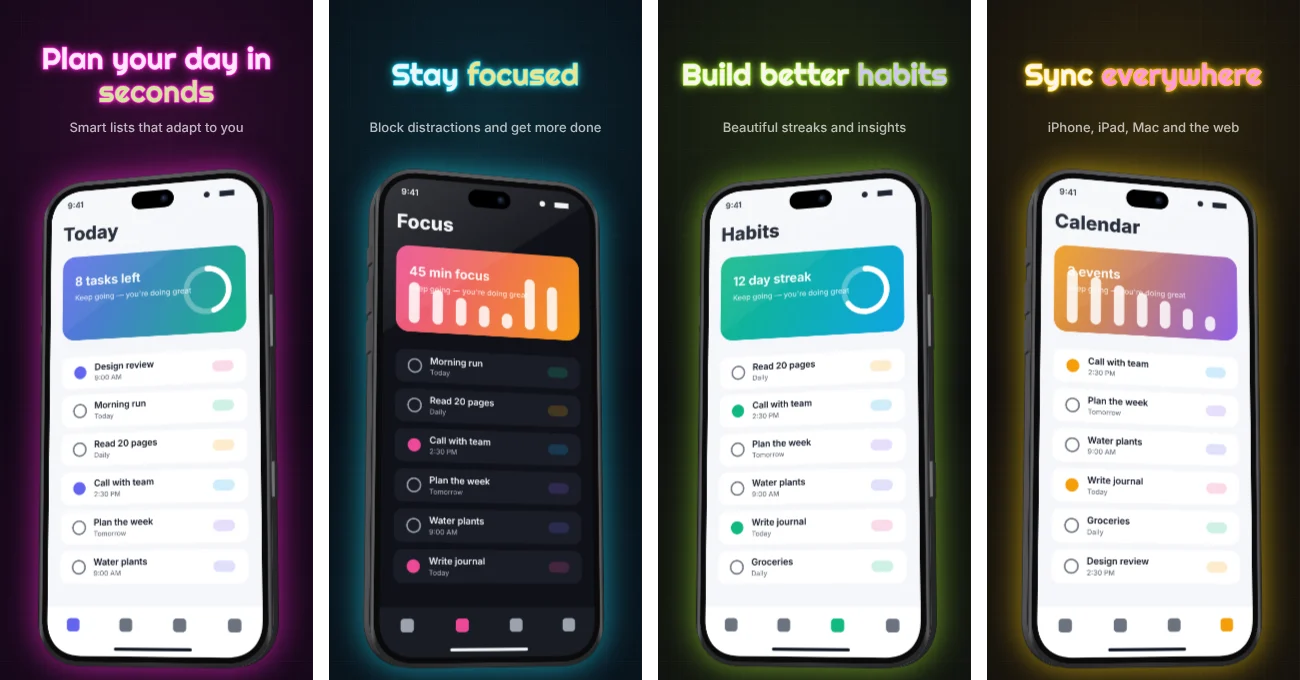
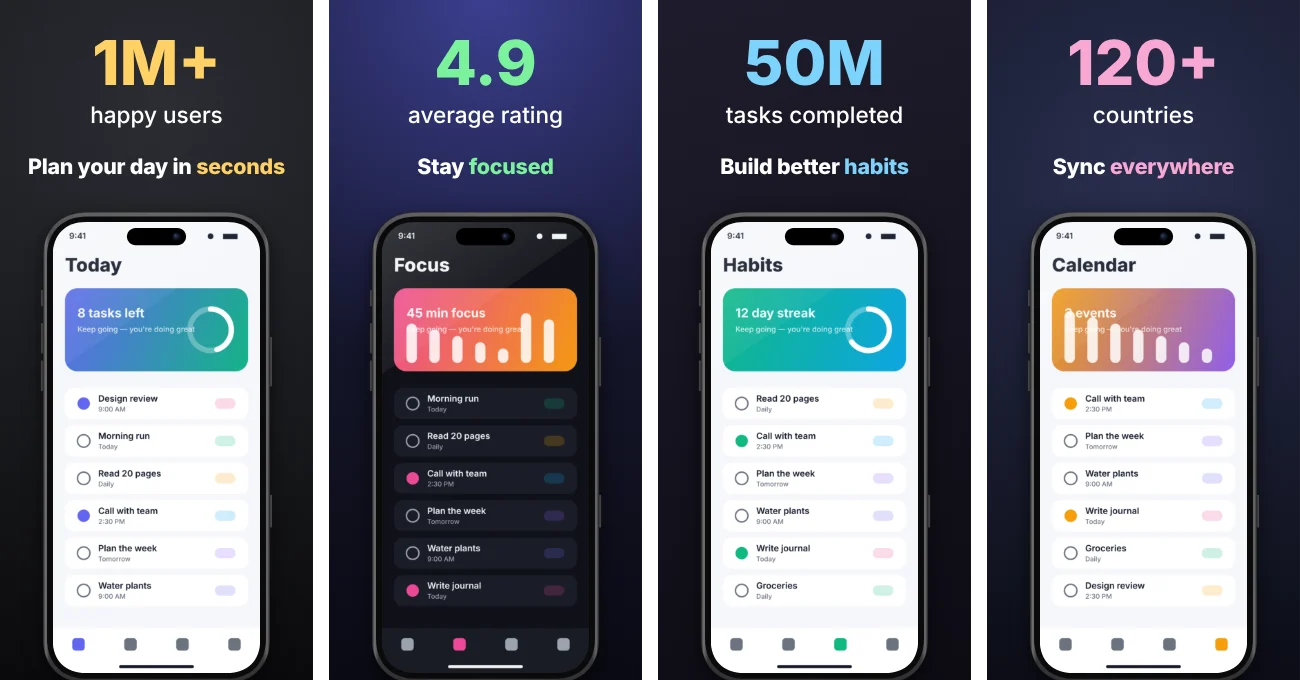
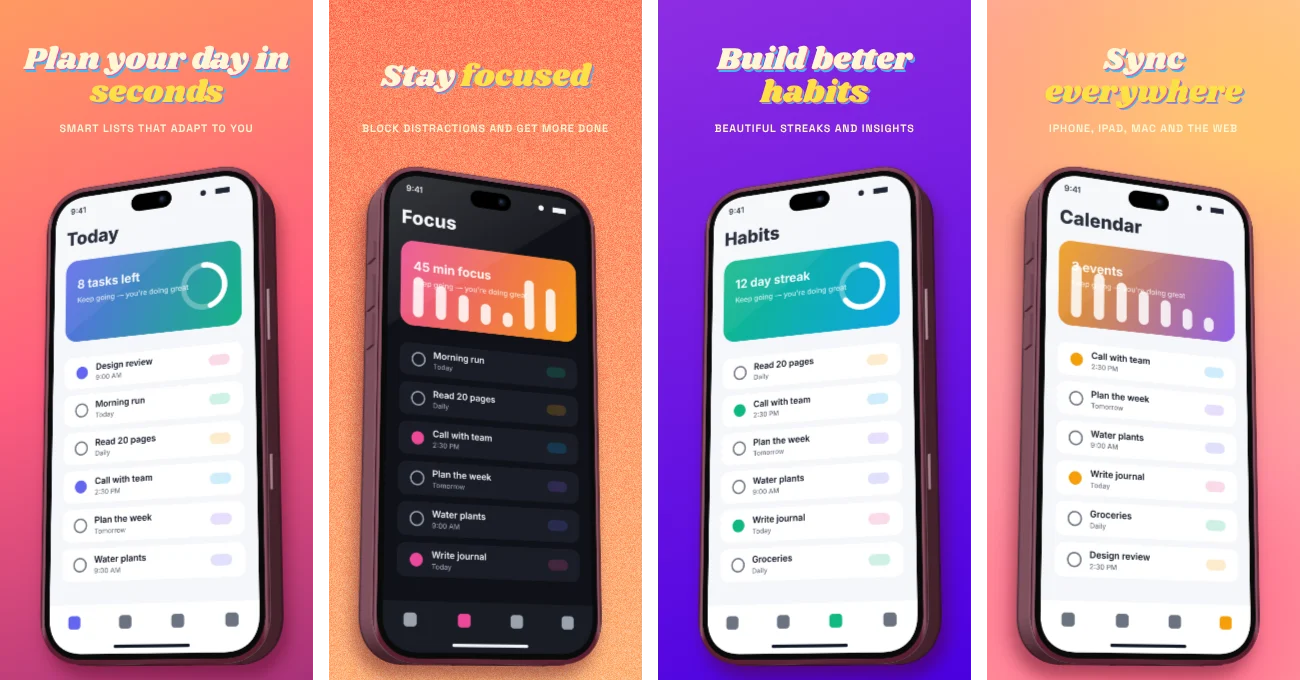
Turn your screenshots into a promo video
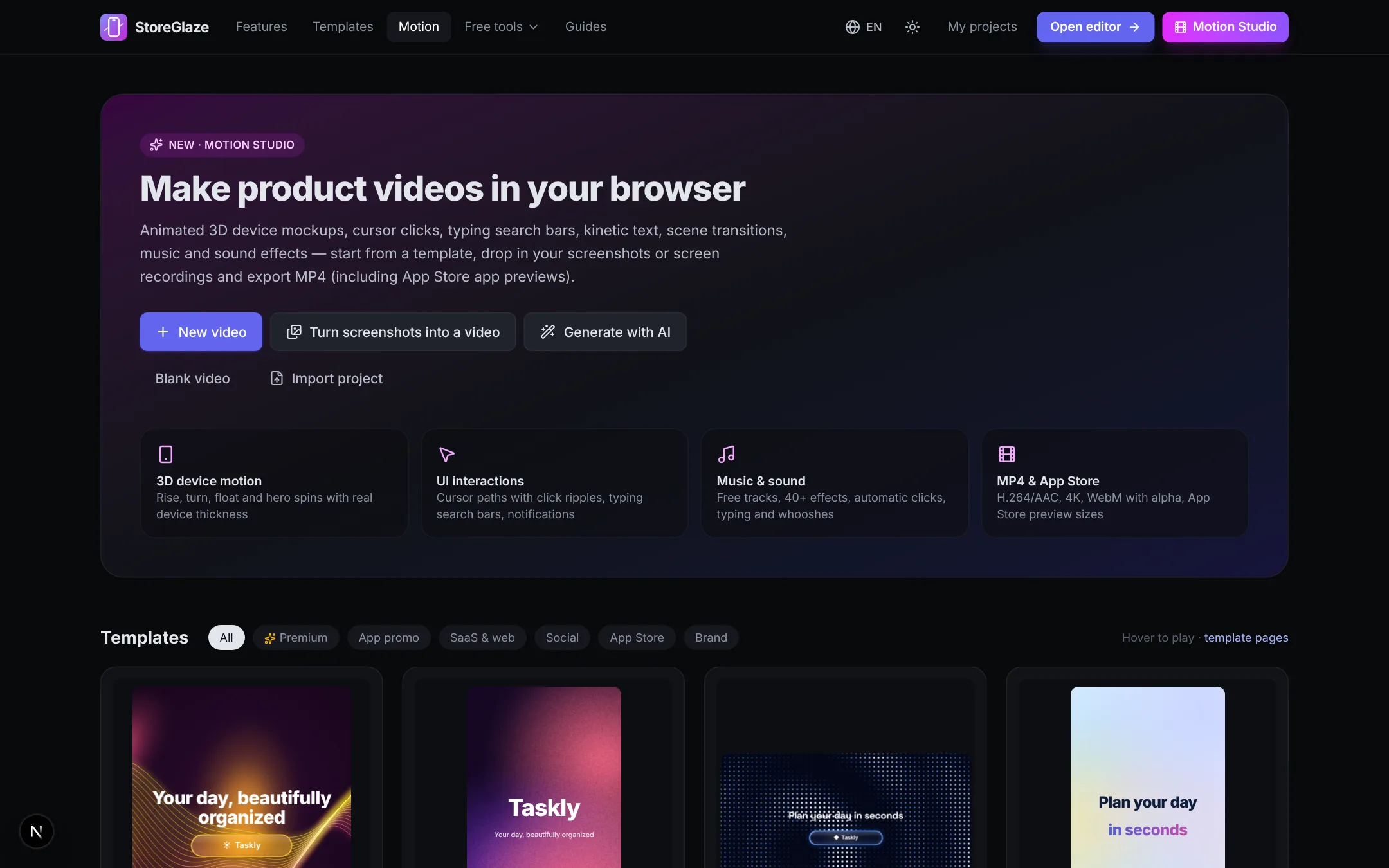
Animated 3D device mockups, cursor clicks with auto zoom, typing search bars, chat bubbles, counters, confetti and kinetic text — with free music and sound effects. Export MP4 for social media, your website or an App Store app preview (886×1920, 15–30 s).
Everything between “raw screenshots” and “Submit for Review”
All pages side by side, panoramas included
Work on the whole gallery at once on an infinite canvas. Devices, shapes and text can span neighbouring pages for seamless panoramic listings. Undo, snapping, multi-select and keyboard shortcuts included.
31 devices, 5 styles
iPhone 18 Pro (in Burgundy), the foldable iPhone Duo, iPhone 17 family, iPad Pro, Pixel, Galaxy, MacBook, PC, browser, Apple Watch, Wear OS and TV — realistic, clay, flat, hand-drawn sketch, or frameless curved screenshots.
AI localization
Translate captions, badges and store metadata into 42 languages with OpenRouter or Gemini — using your own key. Auto-fit text, RTL (Arabic, Hebrew) and CJK/Thai line breaking.
Ready for the iOS 27 App Store
Design the new product page header (3840×1646), search result artwork (3:2) and universal asset with Apple's safe area overlaid, plus in-app event cards — next to your screenshots, from the same captions.
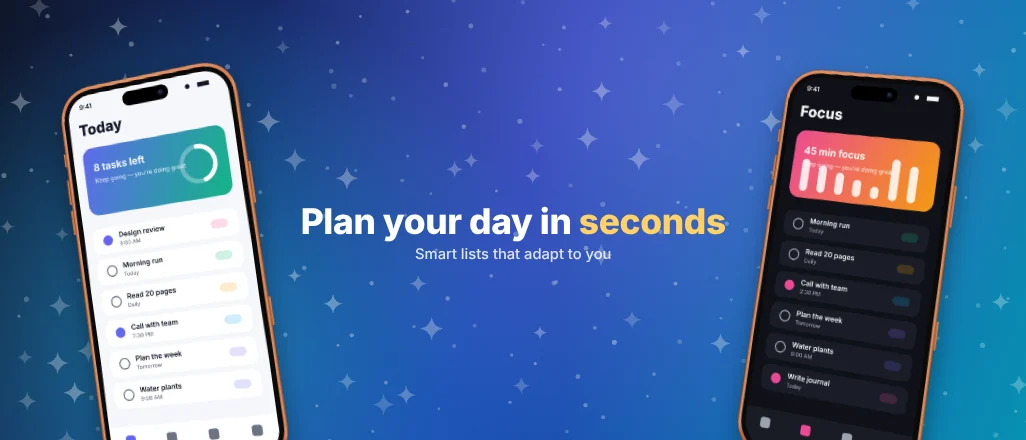
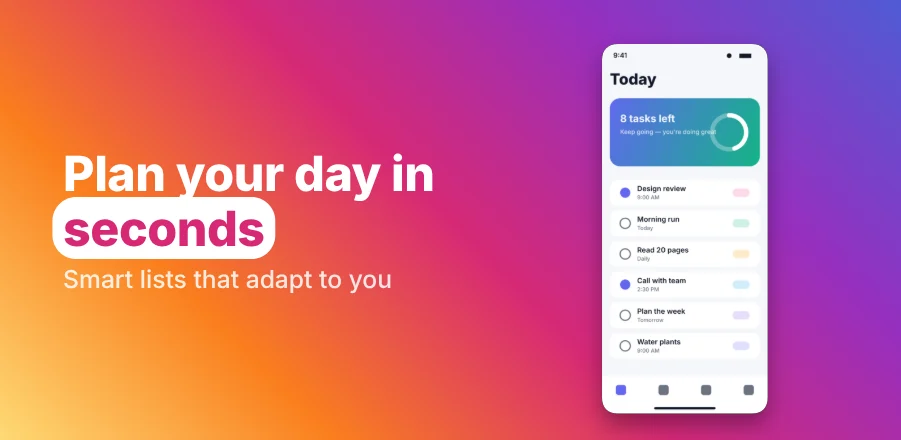
Store-ready export
Exact pixel sizes, RGB PNG without alpha or JPEG, one ZIP for every size and language — named for humans or in fastlane deliver / supply folders with metadata .txt files.
fastlane/
├─ screenshots/en-US/01_iPhone_6.3.png
├─ screenshots/de-DE/01_iPhone_6.3.png
├─ metadata/en-US/subtitle.txt
└─ metadata/android/de-DE/images/
   └─ phoneScreenshots/1_de-DE.png
Templates, backgrounds & badges
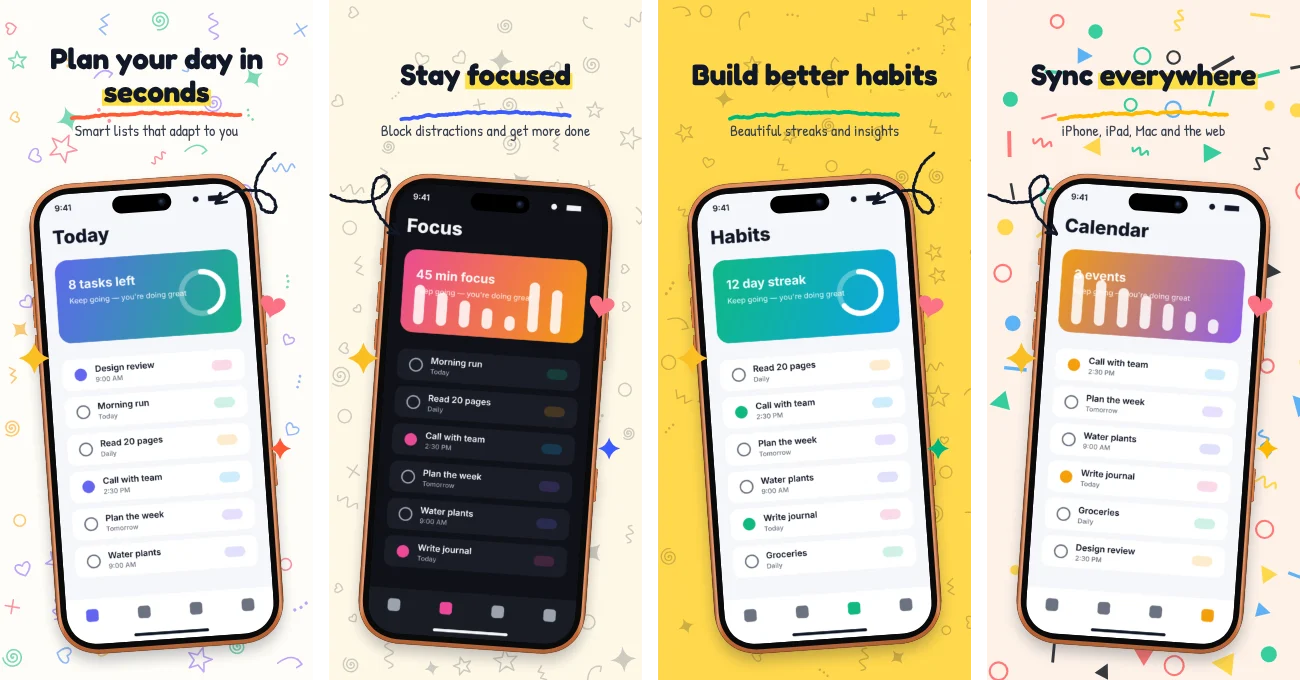
51 templates, 84 backgrounds from mesh gradients to doodles and confetti, hand-drawn arrows, rating laurels, award cards, review cards and notification badges.
Text that pops
13 one-click headline styles and 10 effects: comic pop with outline and hard shadow, 3D block extrusion, neon tubes, retro stacks, stickers, glitch, long shadow and echo — plus hand-drawn circles, wavy underlines and tags for highlighted words.
Real 3D devices, not flat cards
Tilt a device and it keeps its body: lit metal edges, side buttons in 3D and the true thickness of each model — the 5.2 mm iPhone Duo or a chunky 1.8× hero phone. Works in clay, line and sketch styles too.
AI images & copy
Generate backgrounds and illustrations, write captions and store metadata within character limits, and get keyword suggestions.
Store preview
See your listing as it appears in App Store search, on the product page and on Google Play — light and dark — before you submit.
Local-first & private
Projects live in your browser's storage. Export a project file to back up or share. No sign-up, no tracking of your designs.
Layouts that look like a designer made them
Premium, bold, minimal and 3D styles. Every template adapts to every store size and language — pick one and your screenshots drop right in.
Store screenshots shouldn't take a week
Two stores × several device sizes × up to 10 screenshots × every language you ship. A modest app with 5 screenshots, 4 sizes and 10 languages already needs 200 pixel-perfect images — and you redo them with every redesign.
- Design tools. Figma or Canva templates break the moment a German caption is 30% longer, and every size is a separate artboard to maintain.
- Paywalled generators. Free tiers come with watermarks, low-resolution exports, a handful of screens or no localization.
- Copy-paste translation. Captions travel through spreadsheets and translators, then get pasted back by hand into dozens of frames.
- Your unreleased app on someone else's server. Most online tools want an account and upload your screenshots before launch.
- One design, every size. Templates are layout recipes: add an iPad, Play or App Store header board and the design adapts.
- Free without the asterisks. Full resolution, unlimited projects and exports, no watermark, no account.
- Every language in one click. AI translates captions and store metadata; text auto-fits, RTL and CJK just work.
- Private by design. Rendering and storage happen in your browser. Bring your own AI key — nothing goes through us.
See how StoreGlaze is used
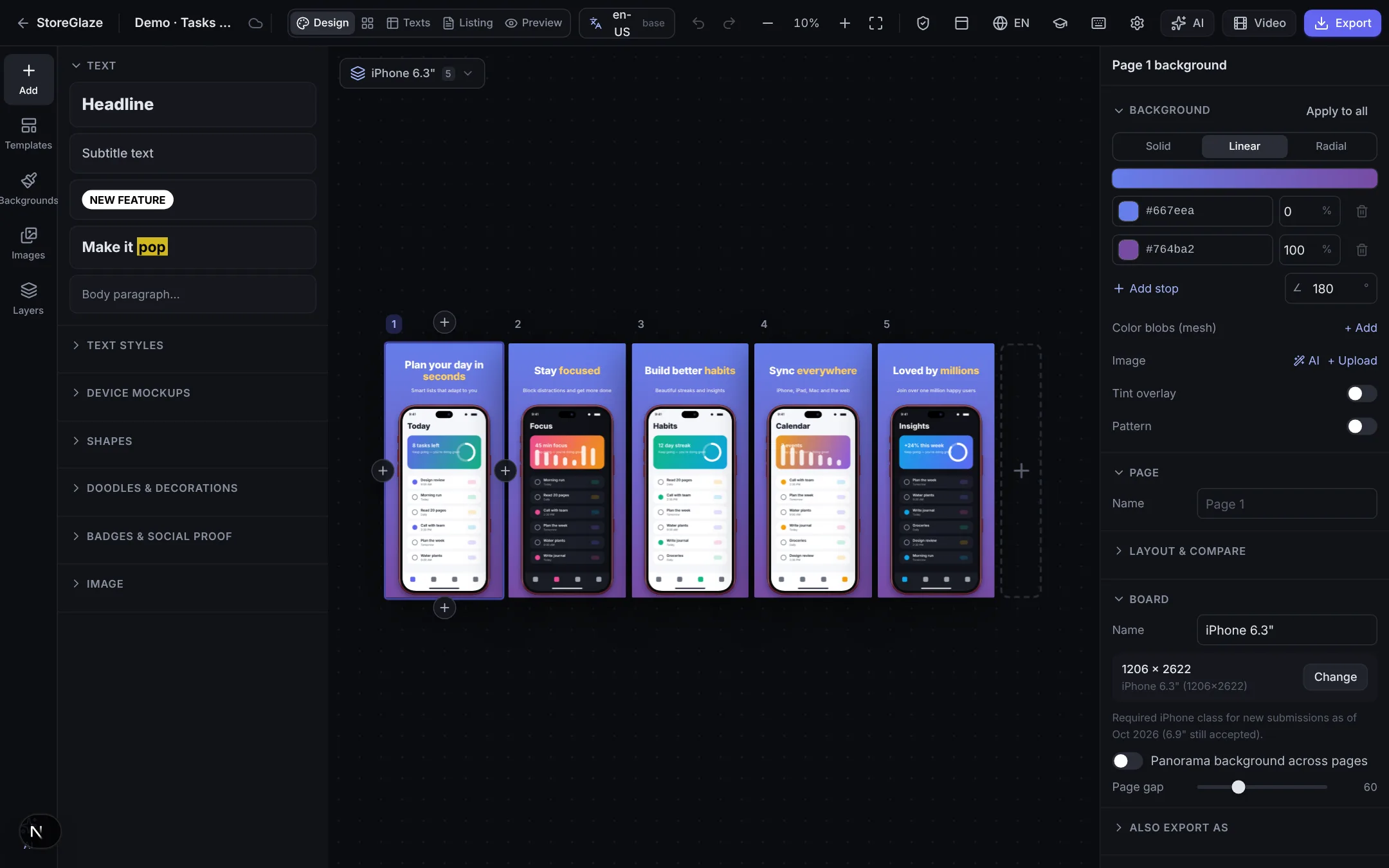
One canvas for every store page, then a video made from the same design.
1Design every page side by side — templates, devices, captions and languages.
2Turn the design into a promo video in Motion Studio and export MP4.
From raw captures to a store-ready ZIP
Design once, translate once, export everything.
- 01
Pick a template, drop in screenshots
Start from a designer-made layout, drag your raw captures onto the devices and write the captions once and highlight the words that matter.
- 02
Translate every caption in one click
AI translates captions, badges and store metadata into dozens of languages. Text auto-fits, RTL and CJK just work, and every translation stays editable.
- 03
Export exact store sizes
Validate sizes and limits, preview the store listing and download one ZIP — or a fastlane folder — for the App Store and Google Play.
How it stacks up
Compared with what developers typically use today. Individual products differ — check their current plans.
| StoreGlaze | Typical screenshot SaaS | Figma / Canva templates | |
|---|---|---|---|
| Price | Free | Free tier, then subscription | Tool subscription |
| Watermark-free, full-res exports | Paid plans | ||
| No account needed | |||
| Screenshots stay on your device | |||
| One design adapts to every size | Manual | ||
| AI translation of captions & metadata | Own key | Paid plans / credits | Manual |
| iOS 27 header & search assets | Some | Manual | |
| fastlane folder export | Rare | ||
| Hand-drawn & clay device styles | Some | Plugins | |
| Direct upload to the stores | via fastlane | Some |
Free today. Built to grow with you.
The whole editor is free. Optional Pro features for teams and agencies are on the roadmap — the free tools stay free.
- Every template, device mockup and background
- Unlimited projects and exports
- No watermark, no account
- Motion Studio video exports
- AI features with your own key
- Cloud sync and share links
- Team workspaces and brand kits
- Direct publishing to App Store Connect and Google Play
- Priority support
12 free tools for app developers
Small, single-purpose utilities for the chores around a release. No sign-up, nothing uploaded.
Know the rules before you upload
Up-to-date sizes from Apple's and Google's specifications, ASO and localization playbooks.
Works in any modern browser on macOS, Windows and Linux. Deploy your own copy to Vercel or run it locally with npm.
Pick colors from your icon, reuse fonts across boards, and keep one visual system across both stores and every language.
Use any OpenRouter model or Google Gemini directly. Your key stays in your browser; you pay the provider, not us.
Frequently asked questions
Is it really free?
Yes. Every feature — templates, device mockups, all export sizes, localization and the free tools — is free, with no watermark, no export limit and no account. AI features use your own OpenRouter or Gemini API key, so you pay the AI provider directly for what you use (or nothing, if the host configured a key).
Do I need to create an account?
No. Open the editor and start designing. Projects are saved automatically in your browser (IndexedDB). Export a project file to back it up or move it to another computer.
Are my screenshots uploaded to a server?
No. Rendering and export happen in your browser. The only network requests with your content are AI requests you trigger yourself — captions or metadata sent for translation, and prompts for image generation — which go to the AI provider you chose.
Which sizes can I export?
Every App Store Connect size (iPhone 6.3″ and 6.9″ classes, older iPhones, iPad 13″ and 11″, Mac, Apple Watch, Apple TV, Vision Pro), the new App Store product page header, search result and universal assets, in-app event cards, and Google Play phone, tablet, Chromebook, Wear OS and TV screenshots plus the 1024×500 feature graphic and icons.
Are exports accepted by App Store Connect?
Yes. Images are exported at exact pixel sizes as RGB PNG without an alpha channel (or JPEG), which is what App Store Connect and Google Play require.
How does AI translation work?
Write captions once, pick languages, and the editor translates every caption, badge and the store metadata in one go through OpenRouter or Google Gemini, respecting character limits. Text auto-fits the layout, and right-to-left and CJK scripts are laid out correctly. You can edit every translation afterwards.
Can I upload directly to the stores?
Not directly yet. Export a ZIP in fastlane layout and run `fastlane deliver` and `fastlane supply` to upload screenshots and metadata to App Store Connect and Google Play in one command.
Does it work offline?
Once loaded, the editor works without a connection — everything except AI features and Google Fonts that haven't been cached yet.
Ship a better store listing today
Open the editor, pick a template and export your first set in minutes. Free, private and without sign-up.